
A Construction AI AssistantThat Answers From Your Own Documents
Upload your drawings, specifications, RFIs, and reports — then ask the PlanSpan AI Assistant questions in plain language. It searches your actual project documents and gives you a referenced answer, not a generic one.
The problem
The Document Search Problem on Every Job
Finding the Answer Takes Too Long
Searching a 400-section spec manually to answer a field question can take an hour. By then, the subcontractor has moved on or made a decision without you.
Generic AI Doesn't Know Your Project
ChatGPT and other general AI tools don't have your drawings, your specs, or your RFI history. You'd have to paste everything in manually every single time.
Information Is Spread Across Too Many Places
The answer might be in a spec section, a previous RFI, an approved submittal, or a meeting note. No one person has it all in their head — and searching across systems wastes time.
What PlanSpan does
An AI That Knows Your Specific Project
PlanSpan AI Assistant is connected to your project's uploaded documents. Ask it a question and it searches your specs, drawings, RFIs, reports, and submittals to find the answer — with the source cited.
Document-Grounded Answers
Every answer is based on your uploaded project documents — not general training data. Sources are cited so you can verify.
Ask About Specs
"What does Division 03 say about concrete curing time?" — AI finds the relevant clause and quotes it directly.
Ask About RFIs and Submittals
"Was there an RFI about the roof drain detail?" — AI searches your RFI log and returns the relevant item with status.
Ask About Reports
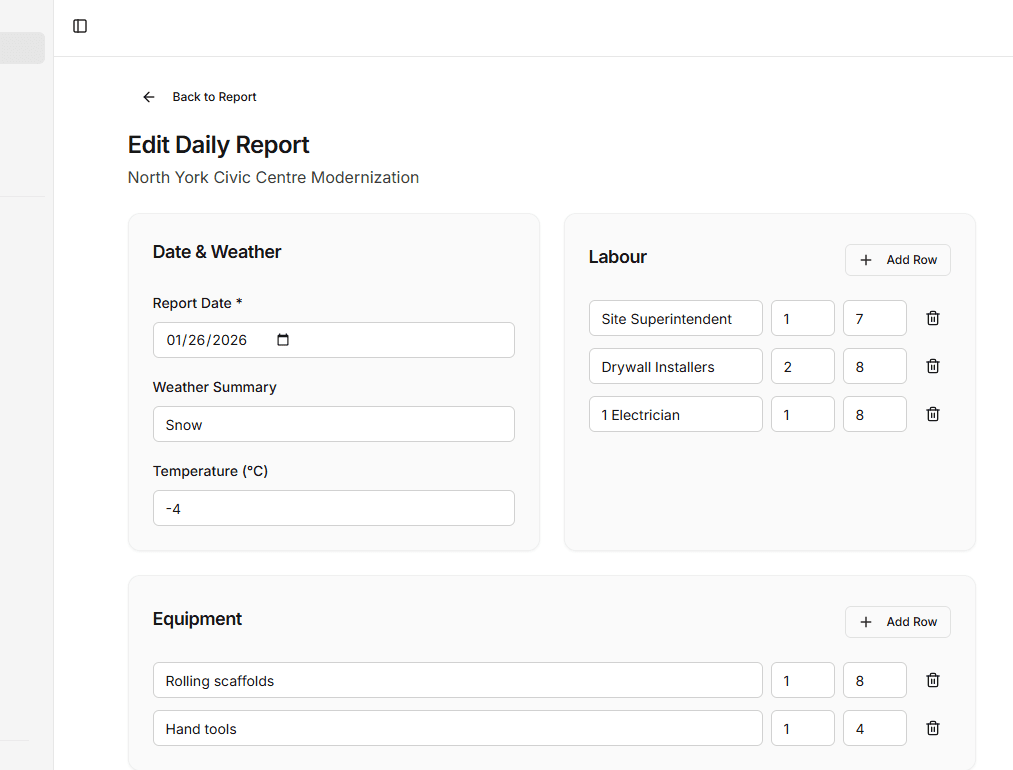
"What equipment was on site last week?" — AI reads your daily reports and summarizes what it finds.
How it works
Up and runningon your next project.
- 1
Upload Your Project Documents
Add specifications, drawings, RFIs, submittals, and any other reference documents
- 2
Ask a Question
Type your question in plain English — no special syntax or search terms required
- 3
Get a Referenced Answer
AI returns the answer with the source document and section cited so you can verify
AI for construction
Related guides
Get started
Stop Searching. Start Asking.
Start with one project and its drawings and specifications.