
Construction Project MappingSee Every Job Site on One Map
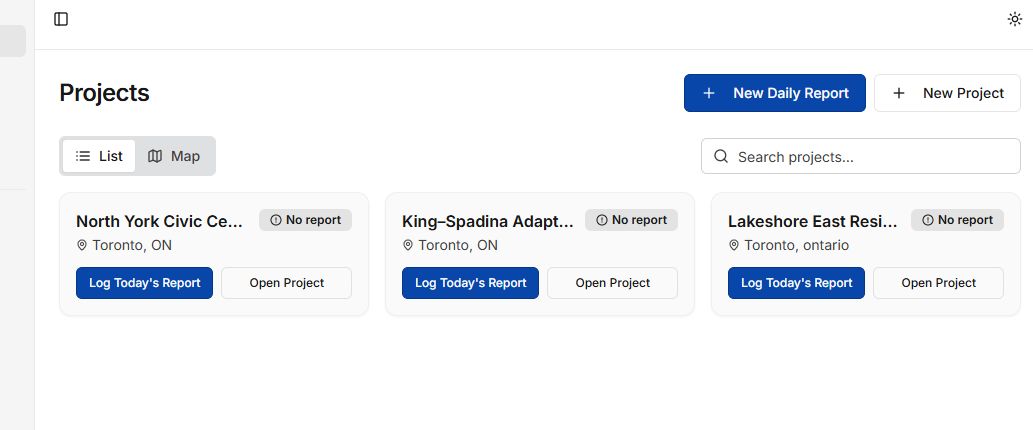
PlanSpan pins every active project to an interactive map with geocoded addresses, live status indicators, and one-click access to reports, RFIs, and submittals — so you always know what's happening where.
The problem
Why Tracking Multiple Job Sites Is Hard
You Can't See Where Everything Is
Managing five projects across a region means juggling five addresses, five sets of contacts, and five status updates — none of which give you a geographic picture of your workload.
Status Updates Are Buried in Email
Finding out whether a job is on schedule, behind, or waiting on a decision requires opening reports, sending messages, or making calls — not something you can answer at a glance.
Clients Ask Where Their Site Is At
When an owner or client asks for a project overview, pulling together address, status, and recent activity from separate tools wastes time you don't have.
What PlanSpan does
A Live Map of Your Entire Portfolio
PlanSpan geocodes every project address automatically and displays your full portfolio on an interactive map. Click any pin to open that project's dashboard, daily reports, RFIs, and submittals instantly.
Interactive Project Map
Every project appears as a pin on a live map. Pan, zoom, and click to jump directly into any project.
Status at a Glance
Filter pins by project status — active, on hold, or complete — so you can see your live workload geographically.
One-Click Project Access
Click a map pin to open that project's full dashboard — daily reports, RFIs, submittals, schedule, and punch list.
Client and Site Details
Each pin shows project name, client, and address — everything you need to locate a site or brief a team member.
How it works
Up and runningon your next project.
- 1
Add Your Projects
Enter the project address when setting up each job — PlanSpan geocodes it automatically
- 2
Open the Project Map
Navigate to the map view to see your full portfolio plotted geographically
- 3
Click and Manage
Select any pin to open that project and access reports, RFIs, submittals, and schedule
Planning and project control
Related guides
- Project management softwareEvery workflow for a construction project in one place.
- SchedulingGantt schedules and look-aheads.
- Punch listsAssign, verify and close out deficiencies.
- EstimatingEstimates, contracts and change orders.
- Risk register guideIdentify and track project risks.
- Ontario substantial performanceHow substantial performance works under the Construction Act.
- Free three-week look-aheadA look-ahead schedule template.
Get started
See All Your Job Sites on One Map
Start with one project and its drawings and specifications.